
The myth of the “pepperoni pizza code” has been circulating for more than a decade – ever since a 911 dispatcher posted they received a call from a woman ordering a pepperoni pizza because she didn’t want the person in the room to know she was calling 911. The story was further promoted by a Super Bowl ad in 2015 in an attempt to raise awareness about domestic violence.
However, this is a myth. 911 dispatchers are NOT trained to respond to a request for a pepperoni pizza as if it were an emergency. However, dispatchers ARE trained to recognize odd conversations or requests, listen for indicators in a caller’s voice, and ask questions to get more information if it is unclear whether or not there is an emergency.
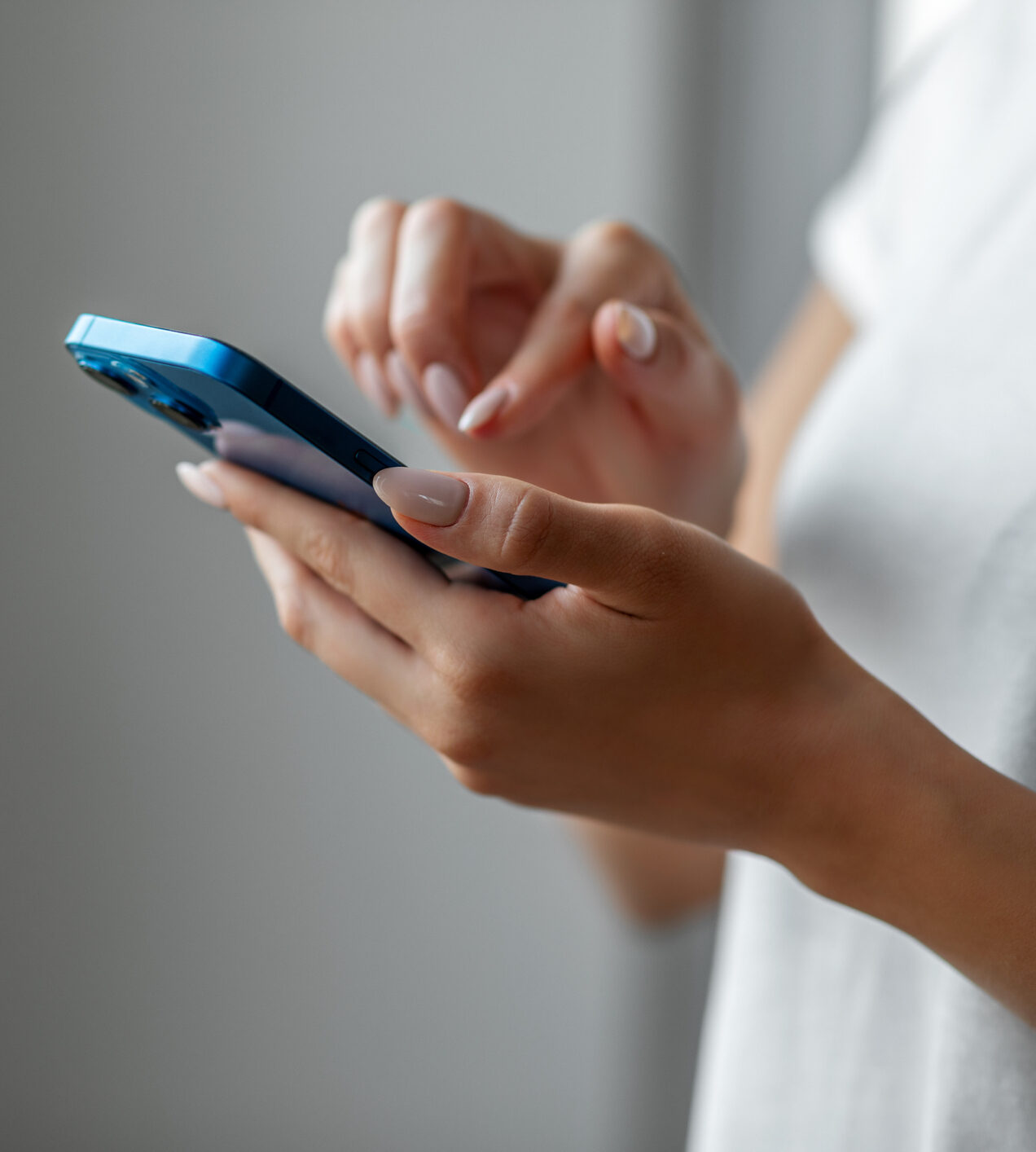
If you are in a situation where you do not feel safe speaking on the phone, text-to-911 is an option. Text-to-911 is not available everywhere, but it is available in Dane County. If texting 911 is not an option for you, you can still make a voice call and use discretion to relay information to the dispatcher.
Officers are also sent to attempt to locate callers for 911 hang-up calls and open lines.
Tips for Contacting 911 by Text
The Dane County 911 Center accepts text calls to 911. To send a text to 911, simply type 911 in the “To” field on your cell phone (no spaces or dashes). The call will be directed to the Dane County 911 Center, who will respond to the text and notify the UW-Madison Police Department if a response is necessary on campus.
Remember: call if you can, text if you can’t. Texting 911 should only be used for circumstances in which you cannot freely speak to a dispatcher – texting can slow down the information gathering process.
If you do need to send a text, here are a few things to keep in mind:
- Although deactivated cell phones can still CALL 911, they cannot TEXT 911 – you must have a texting plan to use the service.
- Provide your location FIRST. The location information from a cell phone is not exact, and it is critical to get your location information to the dispatcher first.
- Keep your message clear and brief, but do not use text abbreviations or slang – this may lead to confusion and could delay the emergency response.
- Depending on your location, similar to voice cell 911 calls, there is a potential for the message to “bounce” to a 911 center that does not take text messages. If this happens you will get a message indicating text-to-911 is not available. This will also happen if your phone is on roaming in Dane County.
- There is no foreign language translation on text-to-911 messages.
- Currently photos and videos cannot be sent via text-to-911.
- Only send the message to 911, do not include any other recipients.
What About Softphones?
Calling 911 from a softphone, such as the Webex app, is not recommended – currently softphone users do not have the ability to update their addresses from within the app. However, according to DoIT, coming later this fall Webex softphone users will be able to enter their 911 location information directly into the app, making it easier to locate a softphone user during an emergency. Even then, make sure you understand the potential limitations the technology has regarding accessing emergency services and providing your correct location.
Is Calling 911 from my cell phone just like calling from my landline/desk phone?
No. While the technology has improved, calling 911 from a cell phone still does not provide the same location information. Even current cell phones can have a range of a few meters to a few hundred meters, depending on the technology being used. Cell phone locations also do not provide altitude information, so while there may be a specific address, whether you are on the 1st or 5th floor may not be available.
One of the most important things to remember when contacting 911 from any device is to provide as much location information as you can, and stay on the line until the dispatcher tells you it’s ok to hang up. If you don’t know your exact address or building name, provide location clues such as nearby buildings or other things you see and hear. If you need translation support, advise the dispatcher of your primary language and they will get connected with a translator.
Another resource for connecting with a UW-Madison Police Department dispatcher is the BadgerSafe app. From the app you can connect by phone with emergency services or send a non-emergency message through the non-emergency texting option “Chat With UWPD”.
Always remember: even if you’re not sure what to do, know you can call 911 for police, fire, medical, or mental health support services.